How to Use a Color Swatch Generator for Better Palettes
A color swatch generator is an automated software tool that extracts, calculates, and organizes harmonious color codes from uploaded images or user inputs to streamline digital design workflows.
What is a color swatch generator and how does it work?
Automated algorithms analyze visual data to build structured groups of hues. These systems process pixels using RGB channels and hexadecimal values to compute mathematical harmonies. Designers rely on these engines to speed up workflow decisions, a process detailed further when you build an effective color concept for large layout projects.
Digital color harmonies rely on strict mathematical formulas derived from the color wheel. Systems compute complementary opposites, analogous neighbors, and triadic separation points using precise numerical thresholds. According to the Web Content Accessibility Guidelines, text and its background must maintain a contrast ratio of at least 4.5:1 for normal text to remain readable for users with visual impairments.
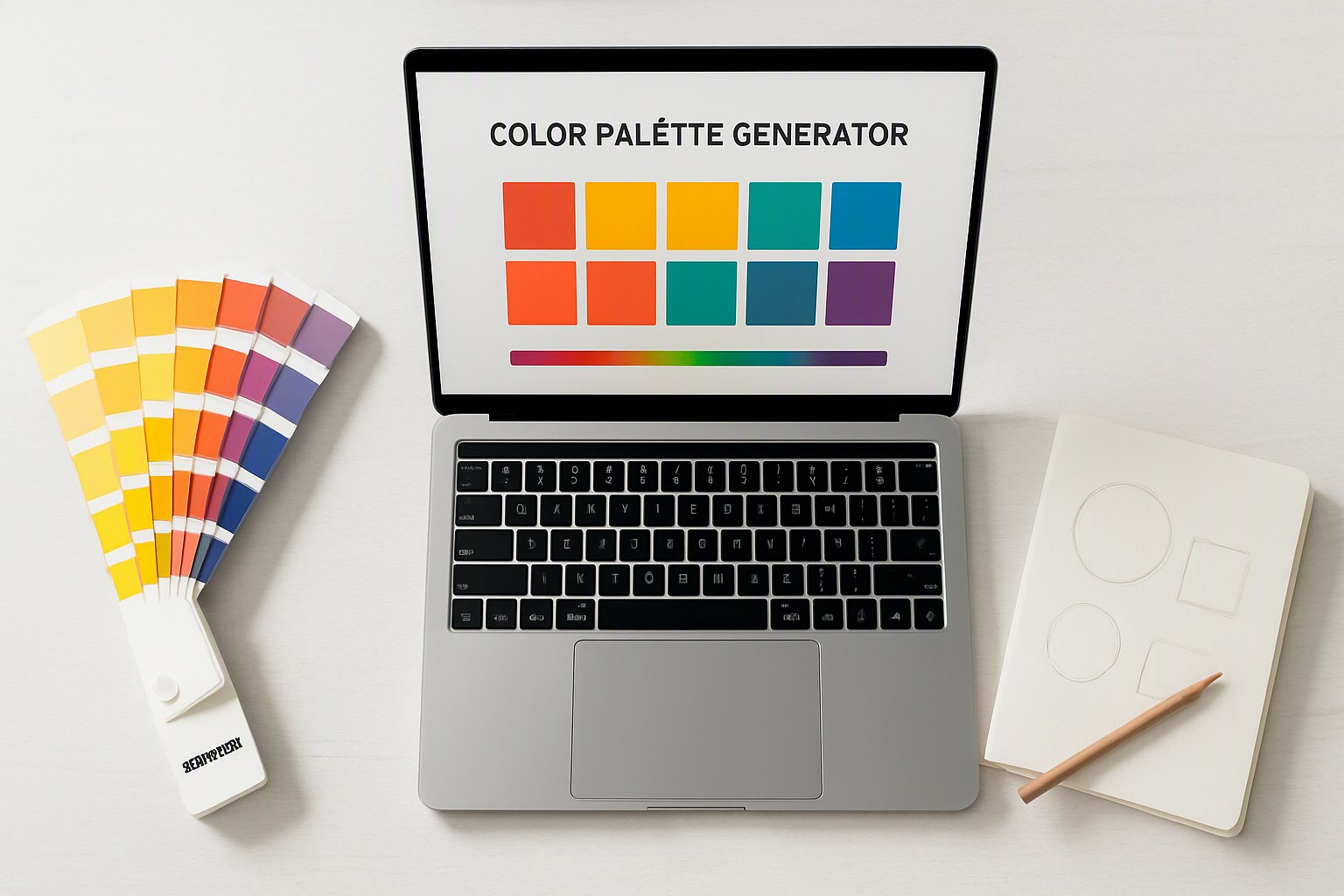
How do you pick a color scheme palette generator for web projects?
Selecting the right tool requires balancing quick browser utilities against robust desktop suites. Web-based options offer instant sharing and lightweight interfaces, whereas professional desktop software provides deep color management system controls and direct vector linking. When managing multi-variable interfaces, it helps to review open source color generator tools designed specifically for WCAG compliance.
Balancing harmony rules prevents visual fatigue on dense web pages. Monochromatic schemes use single-hue luminance steps, complementary pairings drive high-impact contrast for calls to action, and analogous layouts establish smooth, low-friction background progressions. If you struggle to determine which shade fits your layout, you can consult a guide on how to choose which color matches across diverse UI components.
Can you use a color palette generator from picture inputs effectively?
Extracting palettes from photographs connects natural inspiration to digital implementation. Users upload reference imagery into a color palette generator from picture uploads, and the system scans pixel density to isolate dominant hex codes.
Real-world photos introduce lighting challenges. Ambient color casts, heavy shadows, and blown-out highlights often skew extracted values toward muddy midtones rather than true brand assets. Traditional conceptual color picking allows manual control over saturation and hue angles, avoiding environmental noise. For complex categorical layouts, reviewing treemap color systems helps clarify how extracted image tones behave across dense grid partitions.
Which options matter most when looking for a color palette generator adobe tool?
Professional workflows demand native integrations within creative software ecosystems. Evaluating a color palette generator adobe solution requires checking cloud syncing speeds, library management across mobile and desktop devices, and native support for industry-standard file formats.
| Tool Type | Primary Advantage | Main Limitation | Best Use Case |
|---|---|---|---|
| Free Web Generators | Instant access, no subscription required | Limited export formats, no cloud sync | Quick web mockups and rapid prototyping |
| Adobe Color | Deep Creative Cloud integration | Requires active subscription | Professional branding and cross-app syncing |
| Dedicated Plugins | Custom algorithmic controls | Steeper learning curve, third-party reliance | Specialized data visualization and vector art |
Cloud syncing ensures that swatches updated on a desktop app appear instantly in mobile companions. Designers building complex charts can also reference legend design with color principles to ensure imported palettes remain legible.
How do you export custom color palettes adobe sets into your workflow?
Transferring generated colors into production environments requires precise file management. You can export swatches as `.ase` (Adobe Swatch Exchange) or `.aco` files from web generators and load them straight into your software.
1. Open your target application, such as Illustrator or Photoshop.
2. Navigate to the Swatches panel menu and select Open Swatch Library.
3. Choose Other Library and locate your exported `.ase` file on your local drive.
4. Drag the imported color group into your active document swatches.
File format limitations can occasionally strip out custom tint values or spot color metadata when moving between different design suites. Color Fiind Bloggerr provides additional insights into maintaining cohesive asset management across multiple creative applications without losing format fidelity.
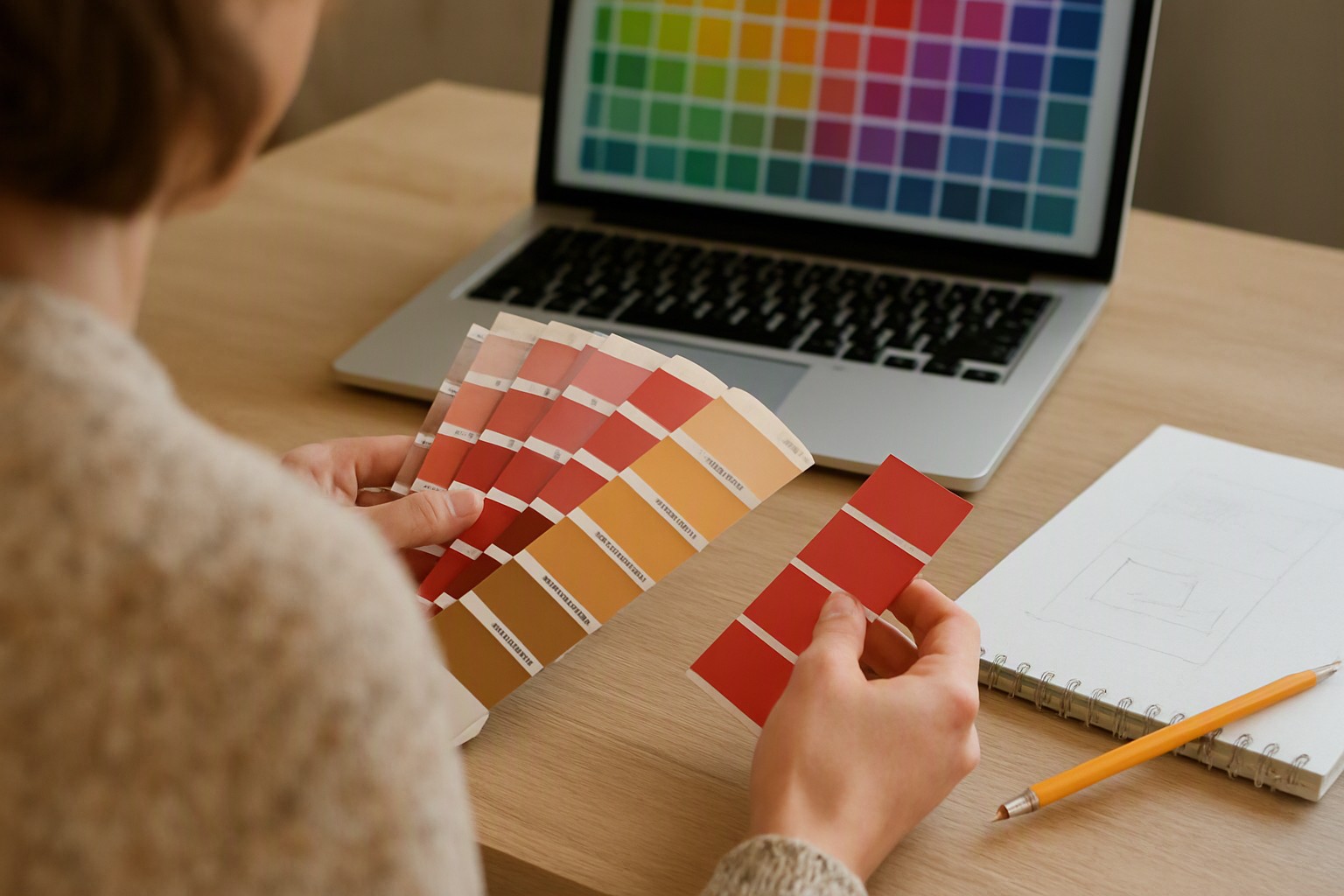
What is the best way to manage a color palette in illustrator projects?
Vector illustration demands strict control over color modes and global attributes. Converting standard swatches into global swatches in Illustrator allows you to update an entire artwork instantly by editing a single base color swatch.
Color profile mismatches create hurdles when moving assets between web and print. Working in an RGB color space for digital screens creates unexpected dullness if the document color mode accidentally reverts to CMYK, causing out-of-gamut shifts. Proper vector swatch organization directly improves layout readability, mirroring the structured approach required in network graph visualization colors.
Frequently asked questions
Are web-based swatch generators accurate for print design?
Most web generators operate strictly in the RGB color space, which means colors can look drastically different when converted to CMYK for physical print. Professional designers should always double-check hex codes against physical swatch books or convert color profiles within dedicated software before sending files to a printer.
Can I save my generated palettes directly to my creative cloud library?
Yes, many modern tools integrate directly with cloud accounts, allowing you to sync your favorite combinations instantly across Photoshop, Illustrator, and InDesign. This eliminates the need to manually copy and paste individual hex codes between applications.
What causes extracted image palettes to look muddy or dull?
Image-derived generators often pick up ambient shadows, gradients, and low-contrast midtones rather than the pure brand colors you intended to capture. Cleaning up the source image or manually adjusting saturation and brightness levels in the editor usually fixes this issue.


Comments
Post a Comment