Choosing the Best Hex Color Picker Chrome Extension for Design
A hex color picker chrome extension is a browser utility that lets designers sample any pixel on a webpage and instantly copy its corresponding six-digit color code to the clipboard.
What is a hex color picker chrome extension and how does it work?
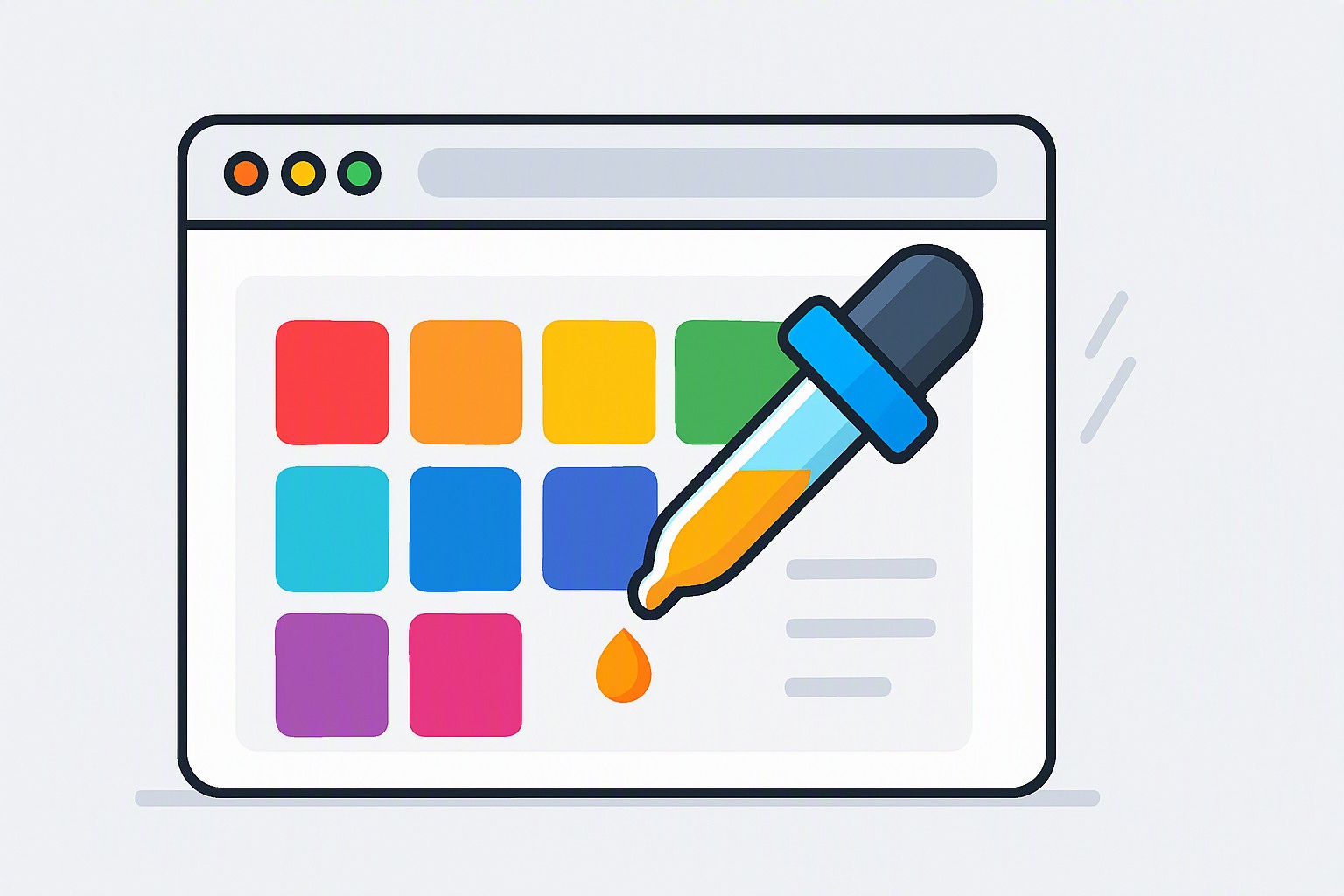
A hex color picker chrome extension is a lightweight browser add-on designed to capture pixel-level color data directly from rendered web DOM elements. When activated via a toolbar icon or a keyboard shortcut like Alt+Shift+C, the utility captures the active viewport canvas as a temporary image buffer. Moving the cursor across the screen reads the exact RGB values of the targeted pixel under the cursor coordinates.
The extension's internal script translates those integer RGB values into a six-digit hexadecimal string, such as #FF5733, ready for immediate pasting into CSS stylesheets or design software. These utilities integrate cleanly into the Google Chrome browser environment by executing code exclusively upon user activation. This event-driven architecture prevents background memory leaks and ensures minimal performance overhead during normal browsing sessions. For users who also work with raster images outside the browser, pairing a browser eyedropper with an RGB color finder completes a versatile digital sampling workflow.
How do you choose the right hex color picker extension for your workflow?
Selecting the right hex color extension requires evaluating clipboard copy speed, format conversion depth, and screen zoom accuracy. Designers working with high-DPI retina displays need tools that scale pixel coordinates accurately without introducing interpolation blur.
| Extension Name | Primary Format Support | Memory Footprint | High-DPI Support | Canvas Sampling Limit |
|---|---|---|---|---|
| ColorZilla | HEX, RGB, HSL | ~15 MB | Excellent | Restricted on secure internal URLs |
| Eye Dropper | HEX, RGB | ~8 MB | Moderate | Blocked on Chrome Web Store |
| Page Color Picker | HEX, CMYK, HSL | ~12 MB | Good | Standard DOM limits apply |
Tools suffer sudden performance drops when sampling elements across multi-monitor setups with mixed scaling factors, or face complete canvas sampling blocks on protected pages where browser security policies restrict script injection. When you move from isolated color selection to systematic palette generation, you can reference building palettes using color to translate single captured shades into a balanced design token structure.
Why use a specialized hex code finder extension over built-in developer tools?
Standard browser developer inspection panels require multiple clicks to open the element tree, locate the CSS rule, and copy the color value. A dedicated hex code finder extension streamlines this process into a single click and keystroke, cutting retrieval time from seconds to milliseconds. This speed is essential for content creators, non-developer marketers, and UI designers who need to capture brand colors quickly without parsing Document Object Model trees.
According to the official Web Content Accessibility Guidelines (WCAG) 2.2, maintaining strict color contrast ratios is mandatory for digital accessibility compliance. Specialized extensions include real-time contrast checkers that verify foreground text against sampled background shades instantly. By combining fast color acquisition with accessibility validation, designers avoid the manual calculation errors common in native developer consoles. You can read more about integrating these compliance checks into your workflow through mastering design tokens for scalable interfaces.
How can you build professional UI color palettes using your captured shades?
Transitioning from a single sampled eyedropper value into a cohesive design system requires deliberate color theory application. Once you capture a primary brand shade using your hex code picker extension, establish supporting neutral tones and accent variations to build depth across your application.
Modern digital interfaces require careful balancing between light and dark themes to ensure visual hierarchy remains stable. When designing clean, minimal interfaces, studying top light hex color palettes helps map out how sampled primary colors interact with high-reflectance backgrounds. Exploring resources like the Color Fiind Blogger library provides advanced layout inspiration for structuring complex dashboard accents and secondary UI states.
Frequently asked questions
Do hex color picker extensions work on protected or secure web pages?
Browser security restrictions block extensions from sampling pixels inside secure internal settings pages, Chrome Web Store listings, or local PDF files. These restrictions prevent malicious extensions from scraping sensitive user data rendered inside restricted browser contexts.
Can these tools copy color formats other than HEX?
Yes, quality color picker extensions provide instantaneous format conversion, allowing you to copy RGB, RGBA, HSL, and CMYK values alongside standard hex codes. This flexibility lets developers and designers paste code directly into CSS, Tailwind configs, or graphic design software without manual conversion.
Will installing a color picker extension slow down my browser?
Lightweight extensions that only execute code upon clicking the toolbar icon consume negligible memory and will not impact your daily browsing performance. Keeping active extension counts low and choosing tools built on Manifest V3 architecture ensures long-term browser stability.


Comments
Post a Comment