Top Light HEX Color Palettes for Modern Design Systems
Top light blue color palette hex codes typically range from crisp icy tones like #E0F2FE to deeper azure accents like #0284C7. Designers use these values to build clean interface layouts while maintaining text contrast. Choosing a scheme requires balancing hue saturation with strict accessibility benchmarks.
Light Blue Color Palette Hex Codes for UI Design
Modern interfaces rely on scalable color tokens to maintain consistency across desktop and mobile viewports. Explicit HEX values for modern light blue schemes include #E0F2FE for background surfaces, #BAE6FD for interactive hover states, and #7DD3FC for primary borders or subtle dividers. You can pair these icy and azure tones with stark white cards (#FFFFFF) and deep slate text (#0F172A) to achieve robust visual contrast.
Consider how these values function within a standard web card component. The background uses #E0F2FE, the border employs #7DD3FC, and the typography anchors the layout with #0F172A. For broader foundational concepts, building structural depth requires examining how [light palettes for web design] (https://colourthoery.blogspot.com/2026/10/top-light-palettes-for-web-design.html) establish a clean hierarchy without overwhelming the user.
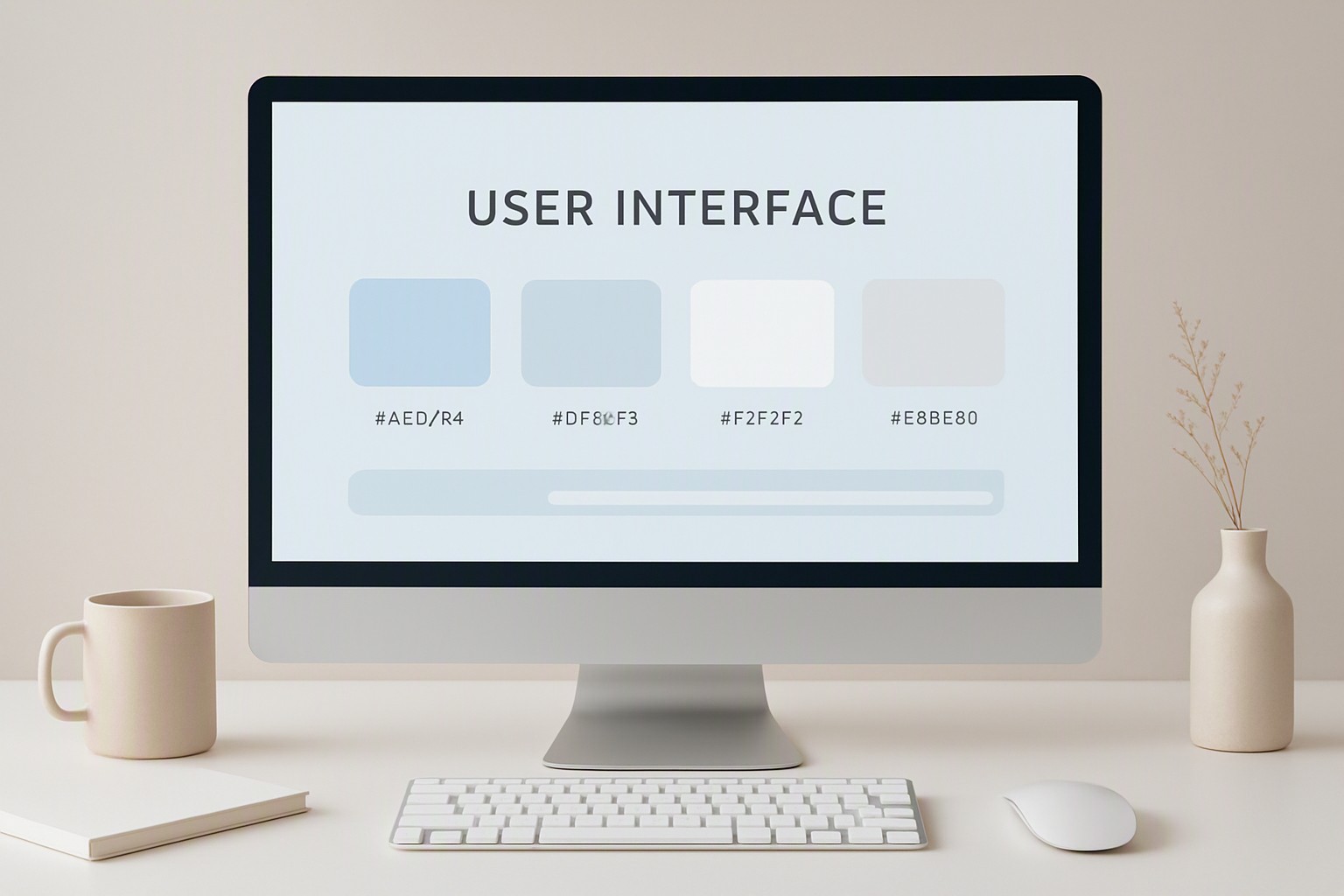
Implementing Light Pink Color Codes
Soft pinks appear frequently in branding kits, landing page illustrations, and notification banners. Exact pastel and dusty rose values suitable for branding and background washes include #FCE7F3 for light surfaces and #F472B6 for secondary call-to-action buttons.
To locate and apply a light pink color code canva across typography and shape assets, open the color picker panel in Canva, paste your target HEX string into the document color hex field, and assign it directly to vector shapes or text frames.
Contrast ratios must comply with accessibility guidelines under WCAG standards. According to the Web Content Accessibility Guidelines contrast minimum documentation, normal body text must maintain a contrast ratio of at least 4.5:1 against its background. Pale pink backgrounds require dark charcoal text rather than pure black or light gray to pass automated accessibility audits in tools like Lighthouse or Axe.
Neutral Light Hex Color Palette Design for Minimalism
Minimalist layouts rely on subtle shifts in luminance rather than saturated hues. Analyzing soft off-whites like #FAFAF9, cream tones like #FEF3C7, and light gray variations like #F1F5F9 shows how a structured light hex color palette design reduces visual fatigue in long-form reading layouts.
Comparing stark #FFFFFF backgrounds against softer warm parchment alternatives shows that pure white can cause eye strain under high-brightness display settings, whereas warm neutrals diffuse light more evenly.
Structuring these values effectively relies on methodologies detailed when [mastering design tokens] (https://colourthoery.blogspot.com/2026/10/mastering-benefit-color-design-token.html) for enterprise software applications. Limiting your neutral pool to four distinct lightness steps prevents muddy component hierarchies and keeps CSS variable sheets lean.
Light Brown Palettes for Digital Interfaces
Tech-heavy dashboard screens often feel sterile when built entirely from cool grays and blues. Introducing caramel, sand, and taupe light brown palette code options—such as #D97706 for accents, #FDE68A for highlights, and #78350F for deep text—brings organic or editorial aesthetics into financial and productivity apps. Earthy light color palette hex values soften tech-heavy dashboard screens by providing a natural visual anchor that mimics paper and wood textures.
These warm interfaces complement the broader aesthetic shifts explored in [our guide to dark color palettes] (https://colourthoery.blogspot.com/2026/10/warm-vs-cool-dark-color-palettes-which.html) and align with principles found in [color mapping design strategies] (https://colorfiind.com/blog/posts/2026/09/how-to-design-accessible-geospatial-heatmap-color-palettes/) for multi-state visual displays.
Multi-Shade Light Color Palette Hex Systems
Building a maintainable interface requires organizing your color variables into a predictable hierarchy. The table below evaluates the core functional roles within a modern design system.
| Token Role | Sample HEX Value | WCAG Contrast Role | Recommended UI Usage |
|---|---|---|---|
| Primary Surface | #F8FAFC | Background | Main application canvas and window base |
| Card Surface | #FFFFFF | Neutral Element | Content containers, modals, and dropdowns |
| Border Stroke | #CBD5E1 | Divider | Input borders, card outlines, and separators |
| Primary Text | #1E293B | High Contrast | Headings, primary labels, and body copy |
| Muted Text | #64748B | Secondary | Captions, timestamps, and placeholder text |
Implementing this requires a strict tokenization strategy.
- Define your base color scales in CSS custom properties or design tool libraries.
- Map semantic tokens like `--color-bg-default` to your primitive scales.
- Audit every text-to-background combination using automated testing suites.
Teams seeking specialized workflows can also consult Color Fiind Bloggerr resources for advanced color token architecture.
Frequently asked questions
What is the best way to test color contrast on light backgrounds?
Use automated browser extensions or official WCAG compliance checkers to measure the luminance ratio between your text and background. A minimum contrast ratio of 4.5:1 is required for standard body text to ensure readability for users with visual impairments.
Can I mix warm and cool tones within a light color palette?
Yes. Combining warm neutrals like cream with cool blue accents creates a balanced and dynamic interface. Choose a dominant temperature so the design maintains a cohesive visual hierarchy.
How many colors should be in a standard UI light palette?
A robust system typically relies on one dominant background tone, one surface card color, a primary brand hue, a neutral text color, and semantic feedback colors for errors or success states. Keeping the core palette under six primary tokens prevents visual clutter.


Comments
Post a Comment