Warm vs Cool Dark Color Palettes: Which Is Best for Design?
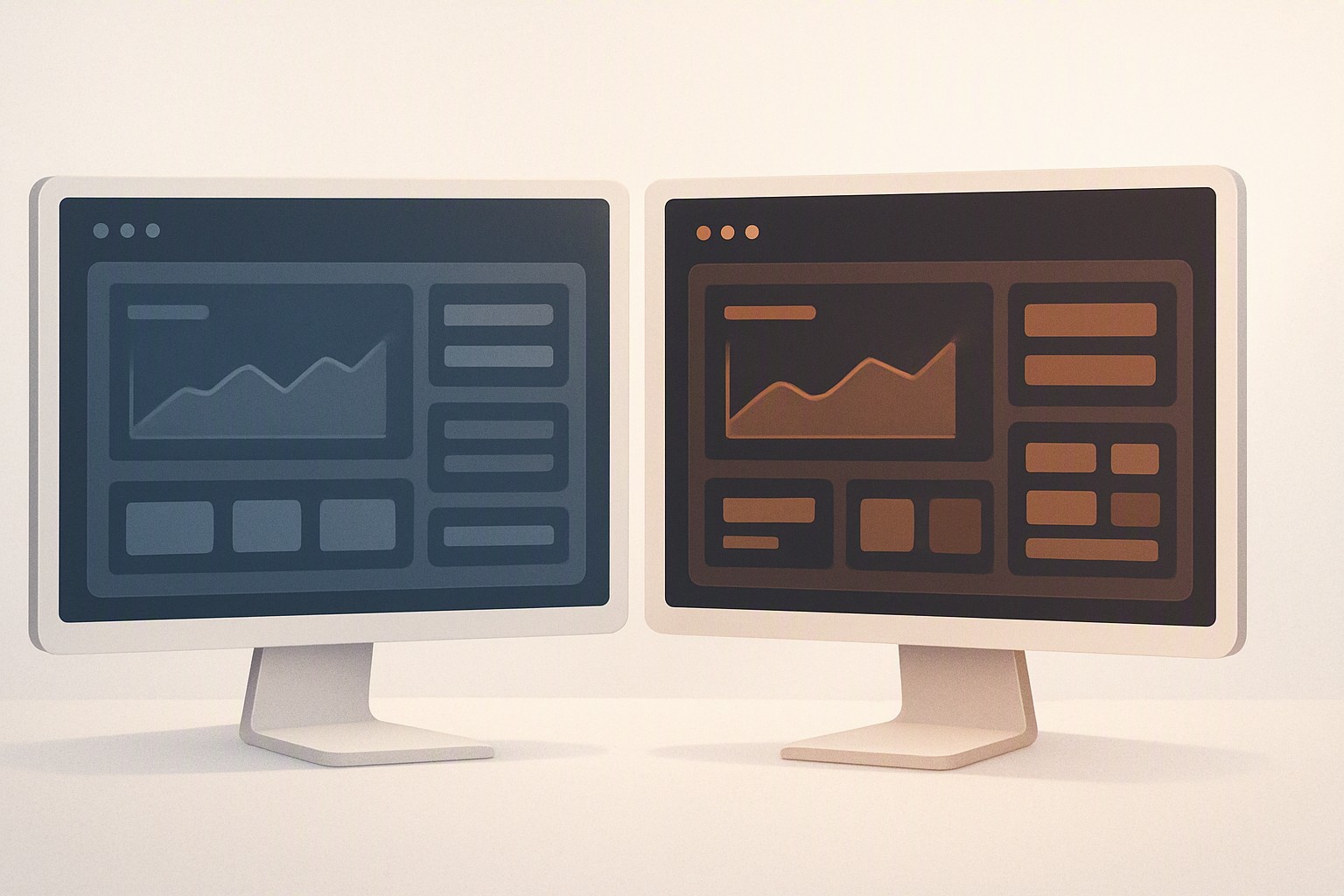
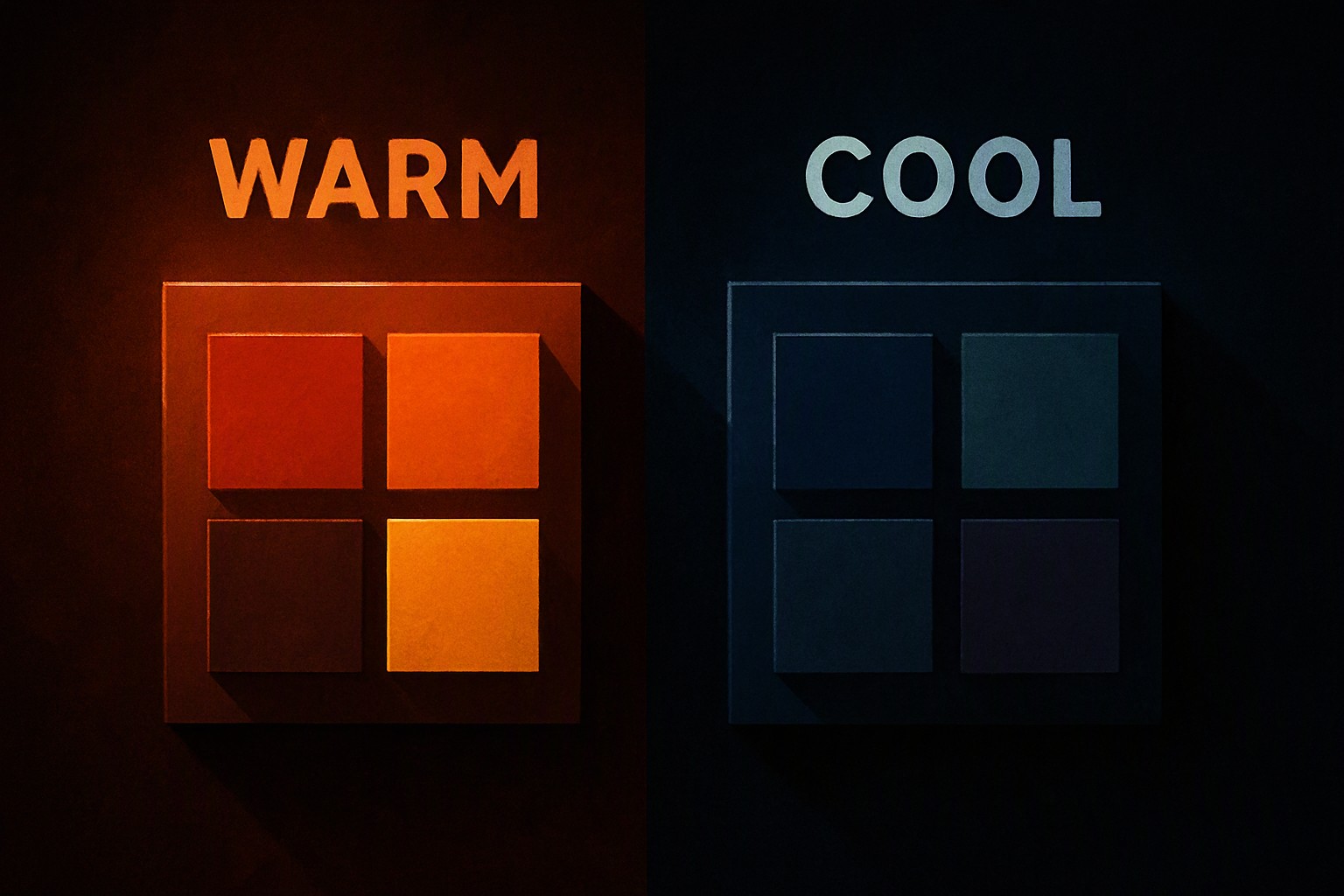
Warm dark palettes utilize red, orange, and brown undertones to create cozy digital environments. Cool dark palettes rely on blue, green, and purple bases to establish sleek, professional atmospheres. Choosing between them depends entirely on your brand identity and readability goals.
What are warm and cool dark color palettes?
Warm dark palettes are built using red, orange, and yellow undertones mixed with deep blacks, chocolates, or espresso browns. They emulate candlelight and physical interiors, setting a baseline for modern UI schemes as detailed in our dark color palette guide.
Conversely, cool dark palettes use blue, green, and purple undertones paired with slate or charcoal grays. These configurations mimic twilight and oceanic depths, establishing a receding visual plane that pushes content forward.
How do warm and cool tones affect user emotion?
A warm atmosphere creates intimacy, comfort, and urgency in digital spaces. This approach works well for editorial platforms, community forums, and boutique e-commerce stores.
Cool dark palettes evoke professionalism, detachment, and calm focus. They reduce visual agitation during long working sessions, which is why software-as-a-service dashboards and code editors heavily favor blue-gray foundations.
According to the Web Content Accessibility Guidelines (WCAG), text must maintain a minimum contrast ratio of 4.5:1 against its background, regardless of whether you choose a warm amber or a cool cyan temperature.
When should you choose a neutral dark approach?
A neutral palette bridges high-contrast starkness and deep saturation. Pure black (#000000) paired with saturated primary colors often causes halation effects on organic light-emitting diode screens, whereas neutral charcoal bases soften the transition.
| Palette Type | Primary Undertones | Best Suited For | Common Drawback |
|---|---|---|---|
| Warm Dark | Red, Orange, Brown | Media, Blogs, Lifestyle | Can feel heavy or stuffy |
| Cool Dark | Blue, Slate, Purple | SaaS, Dashboards, Fintech | Can feel sterile or cold |
| Neutral Dark | Gray, Taupe, Muted Umber | General-purpose UI | Risk of lacking brand identity |
Human-computer interaction studies indicate that moderate luminance steps reduce visual fatigue by up to 18 percent compared to absolute black-and-white extremes. A balanced neutral backdrop prevents eye strain while maintaining a versatile foundation, as discussed further in neutral interface standards.
Why do designers seek the warm ambiance in dark UI?
The warm aesthetic shifts brand perception compared to sterile blue-gray enterprise themes by injecting personality and tactile depth into flat layouts.
Shifting into deep brown-reds on OLED displays can trigger black smearing, where pixels struggle to transition quickly from absolute black to dark chromatic values during fast scrolling.
Developers utilizing Color Fiind Bloggerr workflows map out these undertone shifts early to catch rendering anomalies before code deployment, matching techniques found in automated palette discovery tools.
How can you balance very warm accents with cool backgrounds?
Pairing high-energy highlights against a stable backdrop requires careful layering. Follow these steps to integrate vivid elements without breaking readability:
1. Establish a neutral cool slate base (such as #1E2229) for your primary layout containers to maintain a clean reading environment.
2. Apply a vibrant chromatic highlight sparingly to primary call-to-action buttons and active states.
3. Test UI component states using variable display brightness settings to ensure elements appear as warm as intended under both high-ambient-light and low-light environments.
4. Verify that focus states remain distinct for users with mild color vision deficiencies.
For projects requiring even more visual punch, pair these configurations with techniques explored in alternative high-contrast palettes.
Frequently asked questions
Do warm dark palettes cause more eye strain than cool ones?
Not necessarily. Eye strain is primarily caused by improper contrast ratios and high screen brightness rather than color temperature alone, though blue-heavy cool tones can feel sharper at night.
Can I mix warm and cool tones in the same dark interface?
Yes. Pairing a cool background base with warm accent colors is a common design strategy to draw user attention to interactive elements, provided you maintain strict W3C contrast compliance for accessibility.
Which palette style is better for gaming and entertainment websites?
Warm dark palettes evoke nostalgia and excitement, making them popular for creative portfolios and entertainment platforms.


Comments
Post a Comment