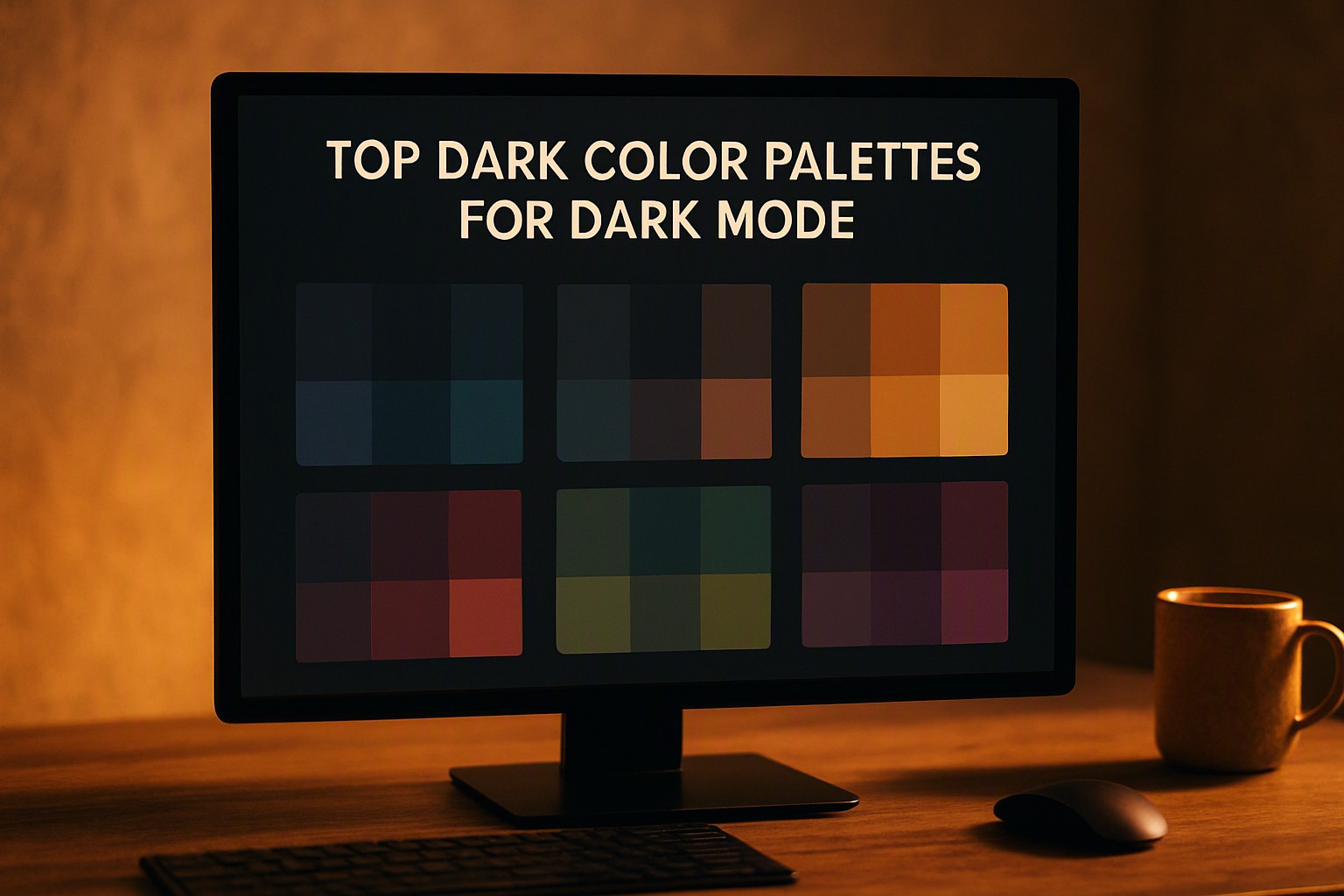
Top Dark Color Palettes for Modern Interfaces and Browsers
Deep charcoal bases prevent OLED ghosting and maintain optimal text contrast ratios. This approach reduces eye strain in low-light environments. Legibility remains high across varying display hardware.
What Makes a High-Performance Dark Color Palette?
Pure black (#000000) causes smearing and ghosting on OLED displays. Use deep charcoal (#121212) instead. Individual organic light-emitting diodes turn completely off and back on during fast scrolling. This causes trailing artifacts behind high-contrast text blocks. A slightly elevated grey background eliminates physical display lag.
According to the Web Content Accessibility Guidelines, normal-sized text must maintain a minimum contrast ratio of 4.5:1 against its background. Large-scale headings require a 3:1 ratio.
Building accessible dark schemes for UI design requires checking hex code combinations with automated tools before production deployment.
| Background Type | Hex Code Example | Contrast Ratio (Normal Text) | OLED Battery Impact | Eye Strain Risk |
|---|---|---|---|---|
| Pure Black | #000000 | 21:1 | Maximum savings | High (Ghosting/Smearing) |
| Deep Charcoal | #121212 | 15.8:1 | Near-maximum savings | Low (Smooth Scrolling) |
| Dark Navy | #0A1128 | 14.2:1 | Moderate savings | Minimal |
| Medium Grey | #222222 | 11.5:1 | Low savings | Very Low |
How Do You Configure Google Dark Mode Effectively?
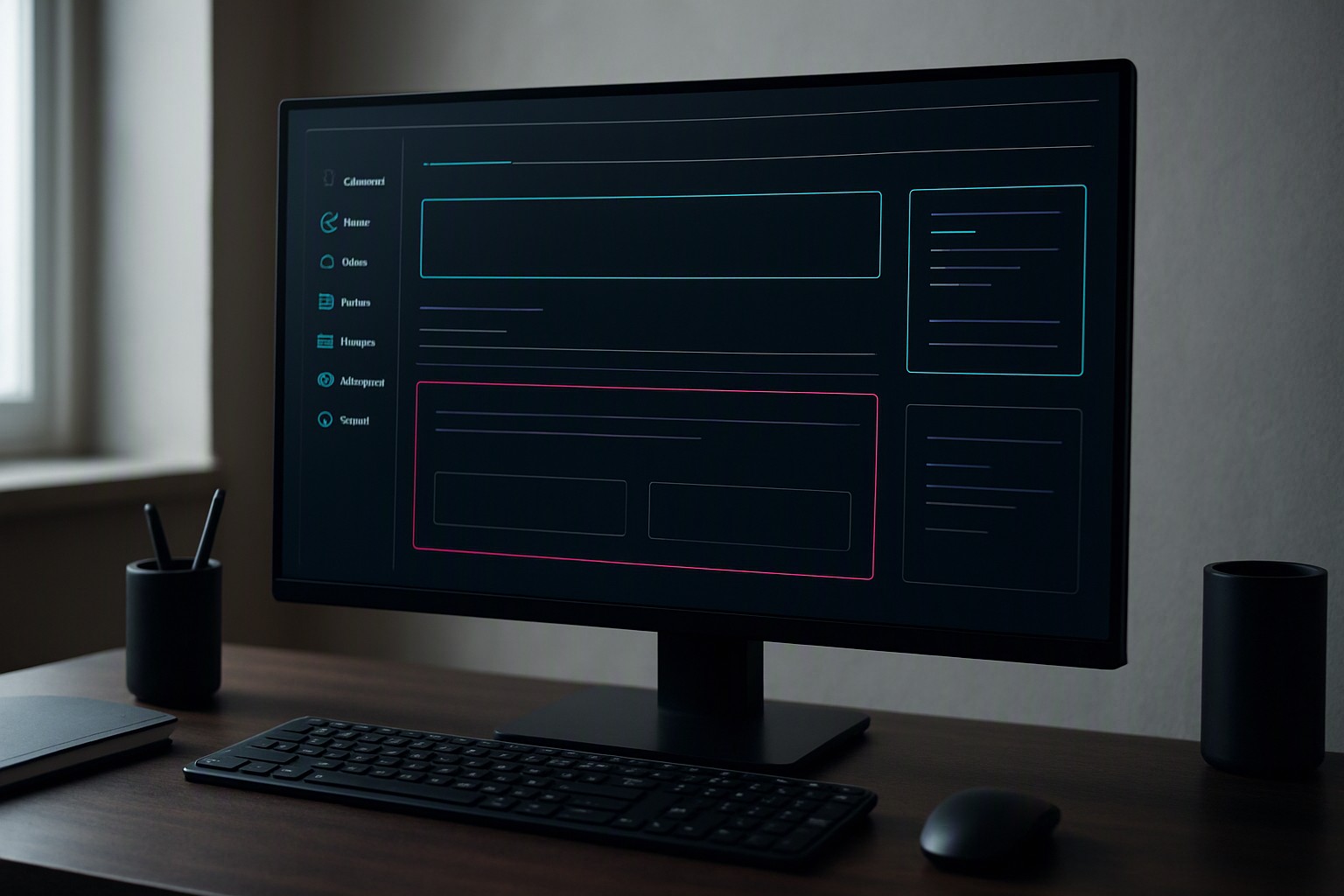
Browser-level rendering turns light DOM elements into dark themes via automated CSS color inversion algorithms. When users enable Google dark mode, rendering engines parse stylesheet variables. They compute luminance replacements for background declarations and text nodes. This dynamic shift stops blinding white flashes when users click unoptimized web pages.
Developers test how native interfaces adapt to custom color definitions using system overrides and extension-based styling methods.
Inspect computed element styles via developer tools to discover website color palettes on live domains before applying global user styles.
Mobile viewports conserve hardware resources by driving lower current through organic pixel grids. Desktop environments process identical stylesheets using GPU acceleration for rapid alpha-channel blending.
Why Choose a Specialized Dark Mode Chrome Setup?
Extensions enforce dark mode chrome rendering across unstyled web pages using content scripts to rewrite Document Object Model trees on the fly. These utilities intercept cascading style sheets before paint operations execute. They replace hardcoded white hex values with calculated dark alternatives.
Common rendering bugs include inverted image colors and unstyled form fields with blinding white default borders.
Developers maintain brand accent consistency by implementing custom user stylesheets. These whitelist specific corporate logos and media assets from automated inversion rules.
Moody aesthetics require balancing stark neutrality with vibrant highlights, a dynamic explored when choosing dark palettes for branding projects.
How to Optimize Dark Mode Google and Search Views
Dark mode Google interfaces handle link states and visited colors without causing visual fatigue. They shift hyperlinked text toward saturated pastel hues rather than neon blues. Standard royal blue links vanish against dark grey backgrounds due to insufficient luminance separation.
Typography weight adjustments matter when shifting from white to dark canvases. Light text glows against a dark background through optical irradiation, making typefaces look bolder than they are.
Designers reduce font weight slightly or increase letter-spacing to preserve readability. Similar principles apply to top neon palettes for UI design when balancing high-intensity glowing elements.
What Are the Best Practices for Chrome Black Mode Themes?
High-contrast chrome black mode themes use maximum separation. Softer desaturated alternatives rely on muted slate tones to reduce harsh luminance transitions. The right choice depends on the use case, such as data-dense dashboards versus casual reading applications.
Color Fiind Bloggerr approaches contrast balance for coding sessions by pairing charcoal containers with muted syntax highlighting schemes to prevent eye strain during debugging. Similar considerations apply when evaluating neutral vs bright palettes for data visualization dashboards.
Pair primary text with muted container cards using a three-tier surface hierarchy. The base background sits at #121212. Card containers occupy #1E1E1E. Floating modal elements elevate to #2D2D2D. This layered approach builds visual depth without heavy drop shadows.
Frequently asked questions
Why is pure black discouraged in dark mode design?
Pure black (#000000) creates high contrast smearing and ghosting effects on OLED screens during scrolling. Dark grey shades like #121212 reduce visual fatigue and motion blur.
How do browser extensions force dark themes on light websites?
Extensions inject CSS stylesheets or invert luminance values across DOM elements. This algorithmic approach adapts legacy websites to dark aesthetics automatically.
Does dark mode actually save battery life on mobile devices?
Yes. On OLED and AMOLED screens where individual pixels emit their own light, displaying dark tones consumes significantly less power than driving bright white backlights.


Comments
Post a Comment