Optimizing Your Palette for a Faster Designer Workflow
An optimized color framework eliminates guesswork. It establishes strict semantic tokens, cuts down manual hex adjustments, and accelerates project delivery across development teams. When working on complex user interfaces, defining color rules early prevents bottlenecks during handoff and testing phases.
Benefits of an Optimized Color System in Daily Workflows
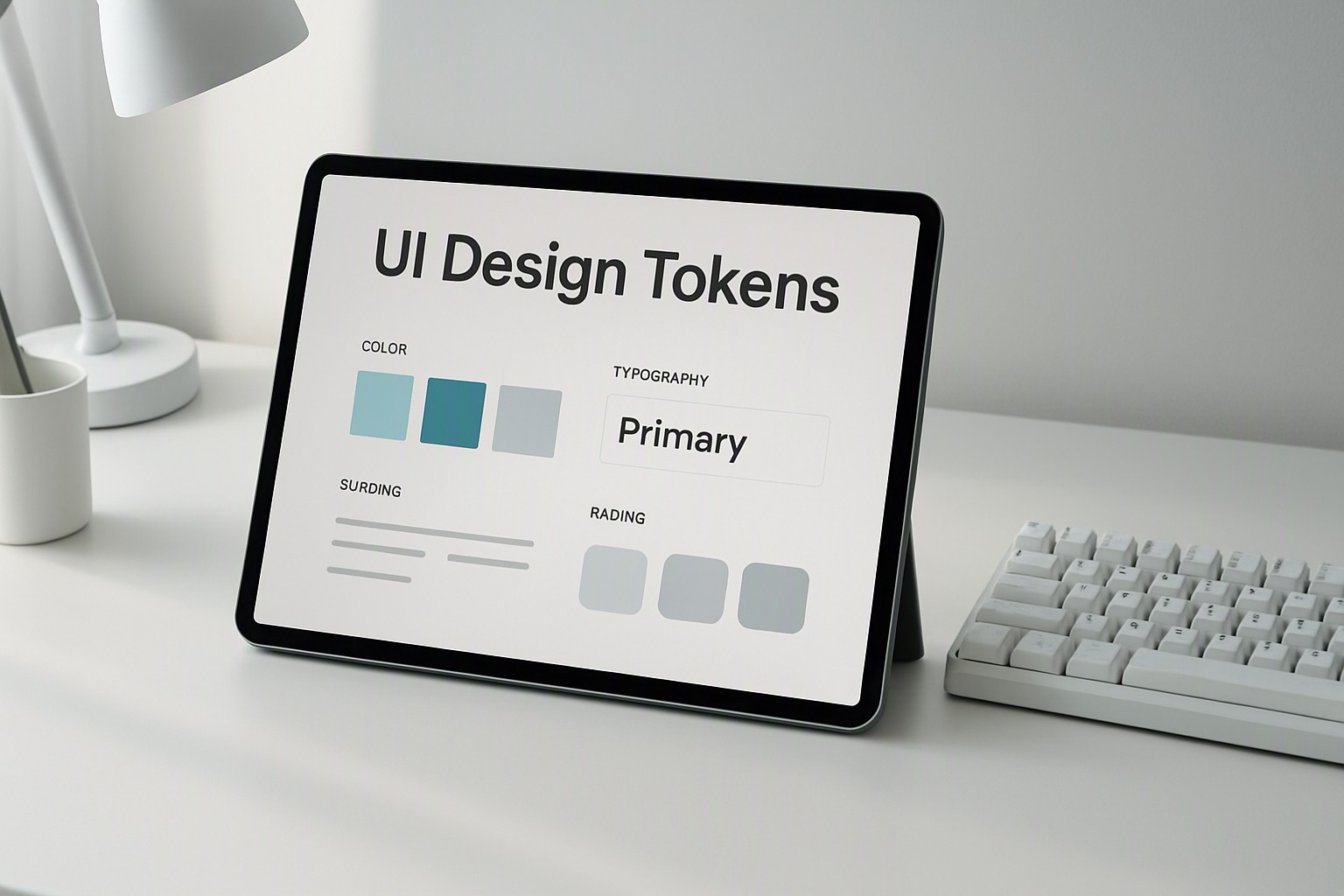
Pre-defined token structures reduce manual hex-code guessing and cut revision cycles by up to 30%. When designers establish tokenized variables, those values integrate into modern design software like Figma and Adobe XD. They update multiple screens simultaneously when a brand hue changes. Unstructured color management introduces hidden time sinks. Designers hunt through old artboards to copy random hex values or manually adjust opacities for hover states.
Small inefficiencies compound across large design operations. They slow sprint velocity and create visual inconsistencies between designers. Incorporating structured decisions, similar to balancing neutral vs bright choices, keeps UI component libraries clean and maintainable.
Core Components of a Scalable Color Collection
A robust design system categorizes colors into distinct functional tiers: primary, secondary, neutral, and semantic. Primary and secondary tiers handle brand identity, while neutral tiers manage typography, borders, and background surfaces. Semantic tiers assign functional meanings like success, warning, and error to states.
Accessibility is non-negotiable in modern digital products. Products require adherence to the contrast thresholds specified in the Web Content Accessibility Guidelines (WCAG) to ensure legibility for users with visual impairments.
| Management Approach | Setup Time | Scalability | Error Rate |
|---|---|---|---|
| Ad-hoc Hex Picking | Fast initially | Very low | High |
| Structured Token Systems | Moderate upfront | High | Low |
For specialized interfaces requiring high-contrast spatial data, adopting methodologies found in accessible geospatial heatmap palettes ensures data visualization remains compliant and legible under various lighting conditions.
Tools for Multi-Platform Color Synchronization
Token management plugins like Tokens Studio for Figma bridge the gap between design files and code repositories by exporting synchronized JSON variables. However, automated color generators often fail when applied to strict enterprise branding constraints. Algorithms rarely account for human context, brand emotion, or specific contrast requirements.
When building high-energy interfaces, pairing token structures with vibrant setups mirrors strategies outlined in our neon palettes for UI design overview. For teams prioritizing high-contrast aesthetics, reviewing dark color schemes for UI helps maintain visual hierarchy without breaking token inheritance.
Preventing Common Consistency Pitfalls During Handoff
Communication gaps between product designers and frontend developers frequently arise when color naming conventions lack clarity. Product teams should implement a role-based naming structure—such as `surface/background/primary` instead of `blue/500`.
Automated design linting tools scan component libraries to catch out-of-system color bleed before code reaches production environments. These checks ensure that every hex code matches the master design system specification.
Frequently asked questions
How many base colors should a standard design system include?
A standard design system features three to five core brand tones, a scale of nine neutral shades, and standardized semantic colors for success, warning, and error states.
Should designers use automated color generators for production work?
Automated tools provide initial inspiration, but they often fail to meet strict contrast ratios and rarely account for semantic hierarchy without manual curation.
What is the best way to handle dark mode color mapping?
Dark mode requires inverting surface elevations and adjusting chroma values rather than simply swapping pure black for pure white, ensuring text remains legible without eye strain.


Comments
Post a Comment