Choosing Light Palettes for Clean UI: A Practical Guide
Building a clean UI with light themes requires balancing WCAG-compliant contrast ratios (at least 4.5:1 for body text) with soft neutral backgrounds, utilizing a light blue palette for primary interactive elements alongside subtle grey and beige foundations.
What defines an effective light blue palette in modern UI design?
Light blue is a standard choice for enterprise software, financial dashboards, and productivity tools. In clean interface design, a light blue palette guides user attention toward primary buttons, active tabs, and notification badges. For instance, using a crisp accent like `#3B82F6` against a soft background provides visual feedback during user interactions.
To maintain accessibility compliance, designers must pair these interactive hues with appropriate text colors. According to the Web Content Accessibility Guidelines, normal text must achieve a contrast ratio of at least 4.5:1 against its background. When building foundational schemes, developers reference established structures found within top light palettes for web design to speed up prototyping.
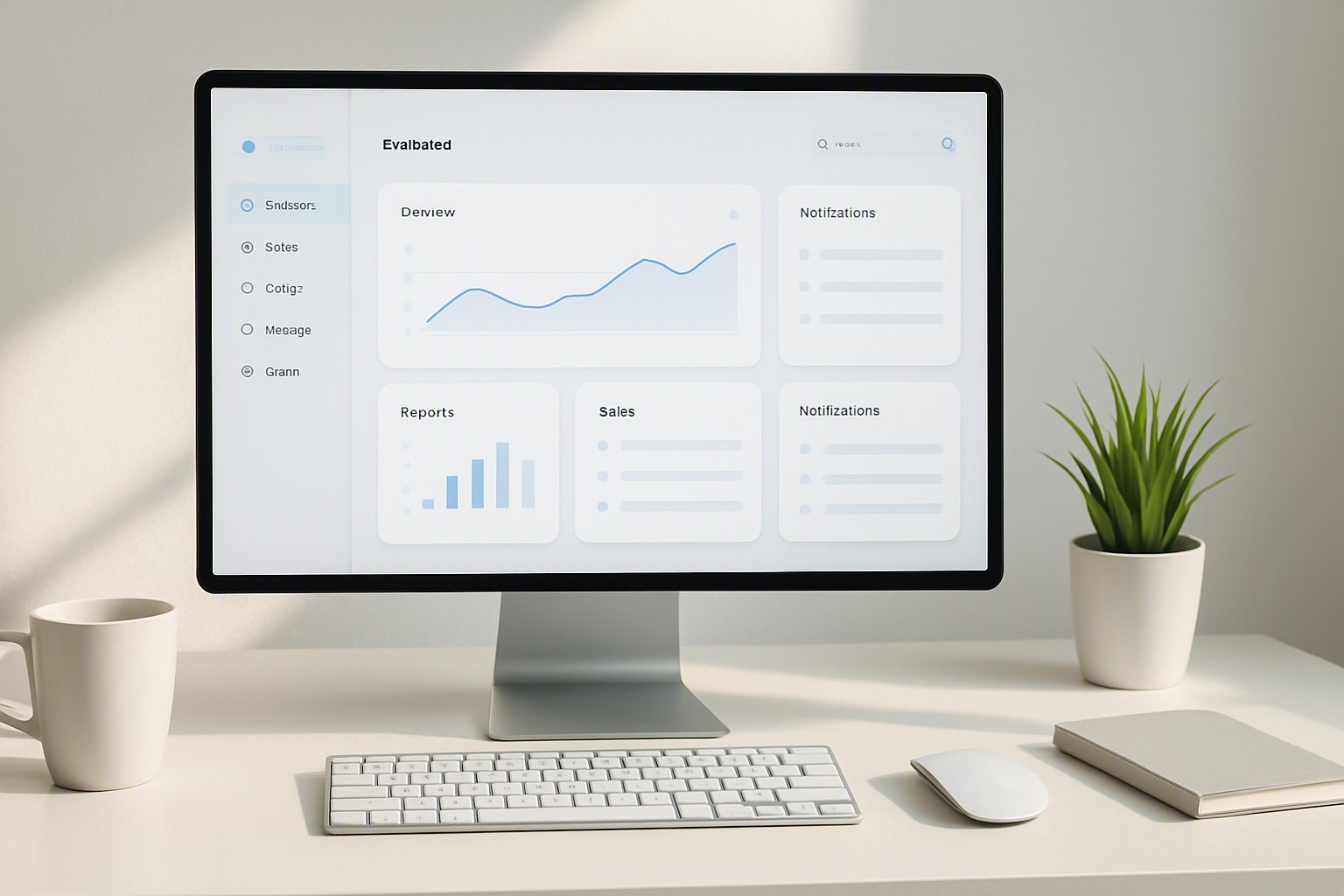
How do you select the right light grey color swatch or light grey colour swatch?
Choosing neutral backgrounds requires deciding between cool and warm undertones. A cool light grey color swatch features faint blue or purple undertones, which pair naturally with tech-forward, data-dense layouts. A warm light grey colour swatch introduces subtle yellow or brown hints that make corporate interfaces feel more approachable.
To avoid muddy contrasts when pairing neutral greys with pure white cards (`#FFFFFF`), designers should step up the surface luminance difference. If your background sits at `#F3F4F6`, elevate your primary containers to pure white while keeping borders at `#E5E7EB`. This multi-layered separation creates depth without heavy drop shadows. You can verify these luminosity thresholds using official contrast documentation provided by the W3C Accessibility Inspector.
When should you implement a light beige color code for warmth?
Stark white backgrounds can induce eye strain during long-form reading sessions in document editors, e-readers, and blogging platforms like Color Fiind Bloggerr. Implementing a light beige color code softens the canvas by absorbing backlight from consumer displays.
A reliable hex code range for organic interfaces spans from `#FDFBF7` for primary backgrounds down to `#F4EFEA` for container surfaces. These warm organic tints reduce glare while preserving minimalism. For further reading on selecting organic versus stark neutral surfaces, explore our breakdown on the White vs Ivory Light Palette.
Can a color palette light yellow work without burning user retinas?
Unrestrained yellow backgrounds degrade text legibility. A color palette light yellow serves a structural purpose when restricted exclusively to pastel or muted butter tones, such as `#FEF08A` for warning callout boxes or `#FEF9C3` for highlight banners.
To maintain legibility, yellow containers must house dark typography rather than mid-grey or white text. Pairing a muted yellow alert box with a deep charcoal text token (`#1F2937`) guarantees that critical warnings remain readable for users with low vision impairments. For more insights on contrasting specific pastel ranges against neutral backgrounds, review our guide on mist blue vs soft grey for light design.
How does a black light color palette anchor ultra-clean layouts?
In modern interface design, a 'black light' configuration refers to the strategic deployment of deep charcoal and near-black text, borders, and structural dividers. Pure black (`#000000`) creates harsh optical vibration against bright white or pastel backgrounds. Substituting deep charcoal (`#111827`) provides a grounding anchor that stops ultra-clean layouts from feeling unanchored.
| Palette Type | Ideal Hex Range | Readability Score | Best Use Case | Primary Drawback |
|---|---|---|---|---|
| Light Blue | `#E0F2FE` to `#3B82F6` | High (4.8:1+) | Primary actions & links | Overuse reduces impact |
| Neutral Grey | `#F3F4F6` to `#9CA3AF` | High (5.2:1+) | Backgrounds & borders | Can feel sterile if cold |
| Light Beige | `#FDFBF7` to `#E7E5E4` | High (4.6:1+) | Reading apps & long text | Conflicts with cool blues |
| Muted Yellow | `#FEF08A` to `#CA8A04` | Moderate (4.2:1) | Callouts & warnings | Strains eyes if overused |
For complex visualization projects that require balancing multiple neutral backgrounds with high-density data overlays, consult our technical analysis on accessible geospatial heatmap color palettes.
Frequently asked questions
What is the best background color to reduce eye strain in light mode?
Soft off-whites, very light greys, or gentle beige tones (like `#F9F9FB`) reduce glare compared to pure `#FFFFFF` white. These subtle tints provide a comfortable canvas for extended reading sessions.
How do I ensure my light UI color choices meet accessibility standards?
Verify that all text and interactive elements meet the Web Content Accessibility Guidelines (WCAG) minimum contrast ratio of 4.5:1 for normal text and 3:1 for large text or UI components. Use specialized contrast checker tools during the palette creation phase.
Can I mix warm and cool neutrals in the same light interface?
Mixing warm beige tones with cool blue-grey tints can look disjointed, but it works when anchored by a neutral white or charcoal base. Pick one dominant undertone—either warm or cool—to govern 80% of your interface while reserving the contrasting tone strictly for accents.


Comments
Post a Comment